
3D web visualisation
Meet our bot
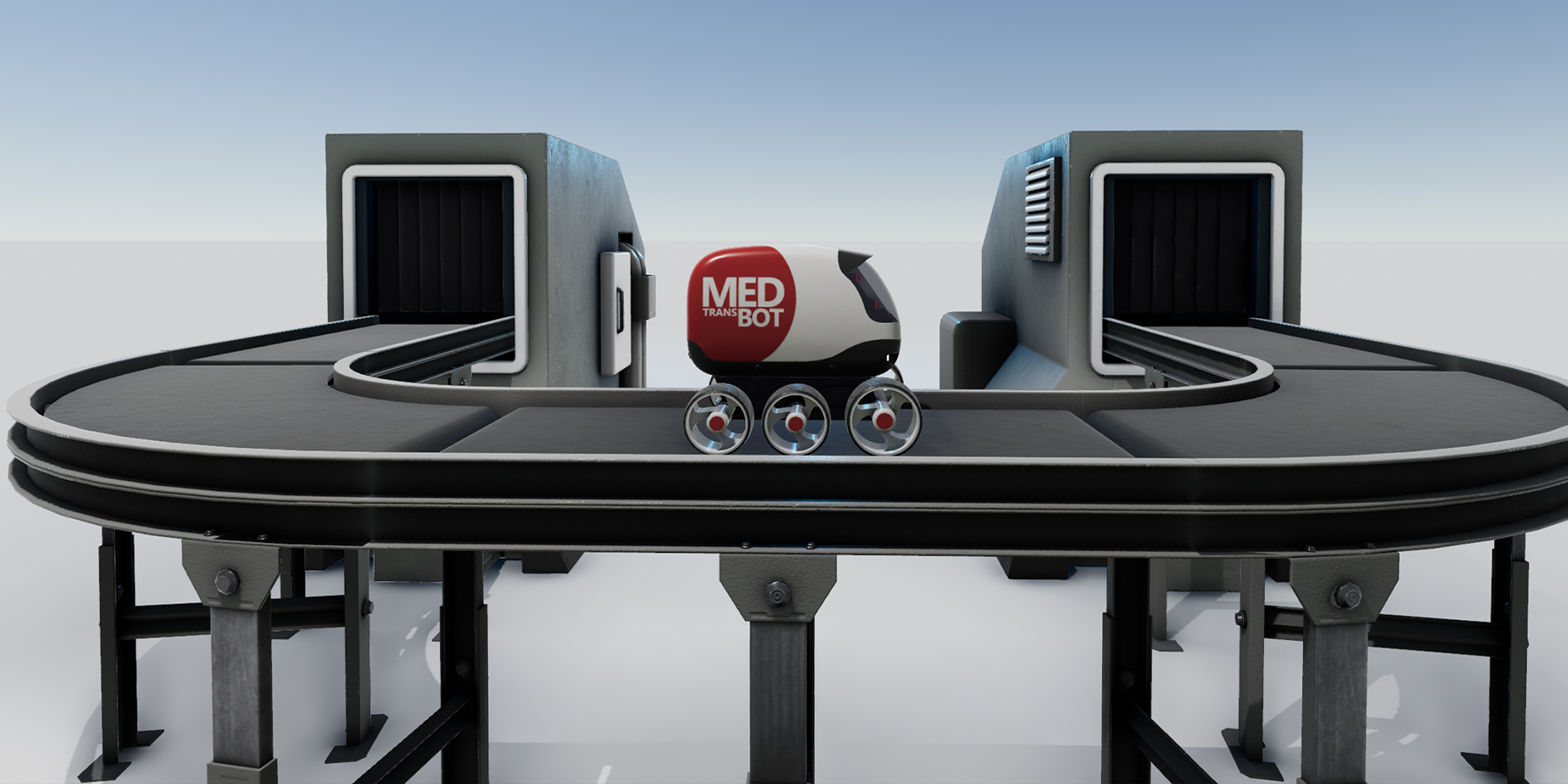
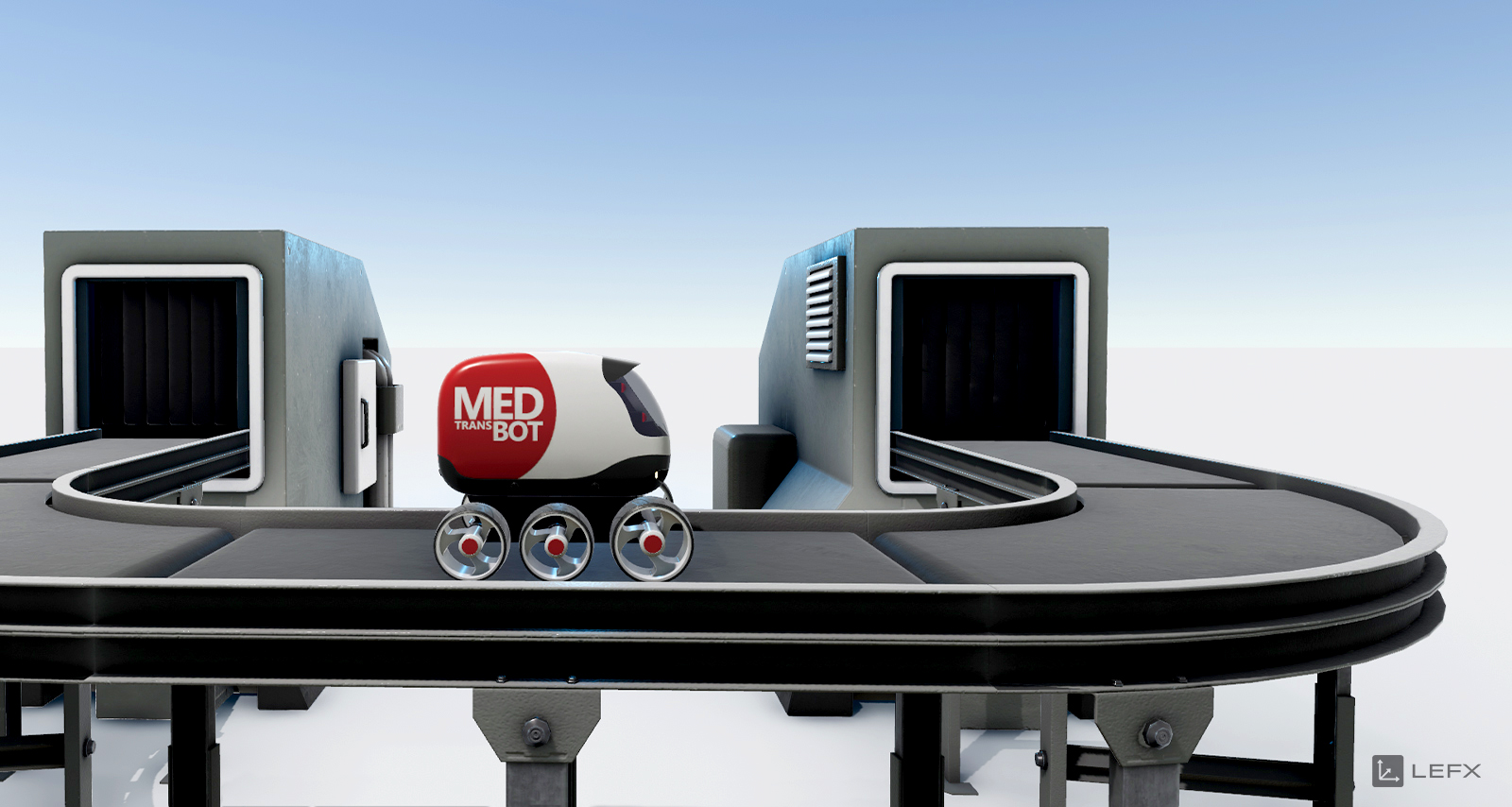
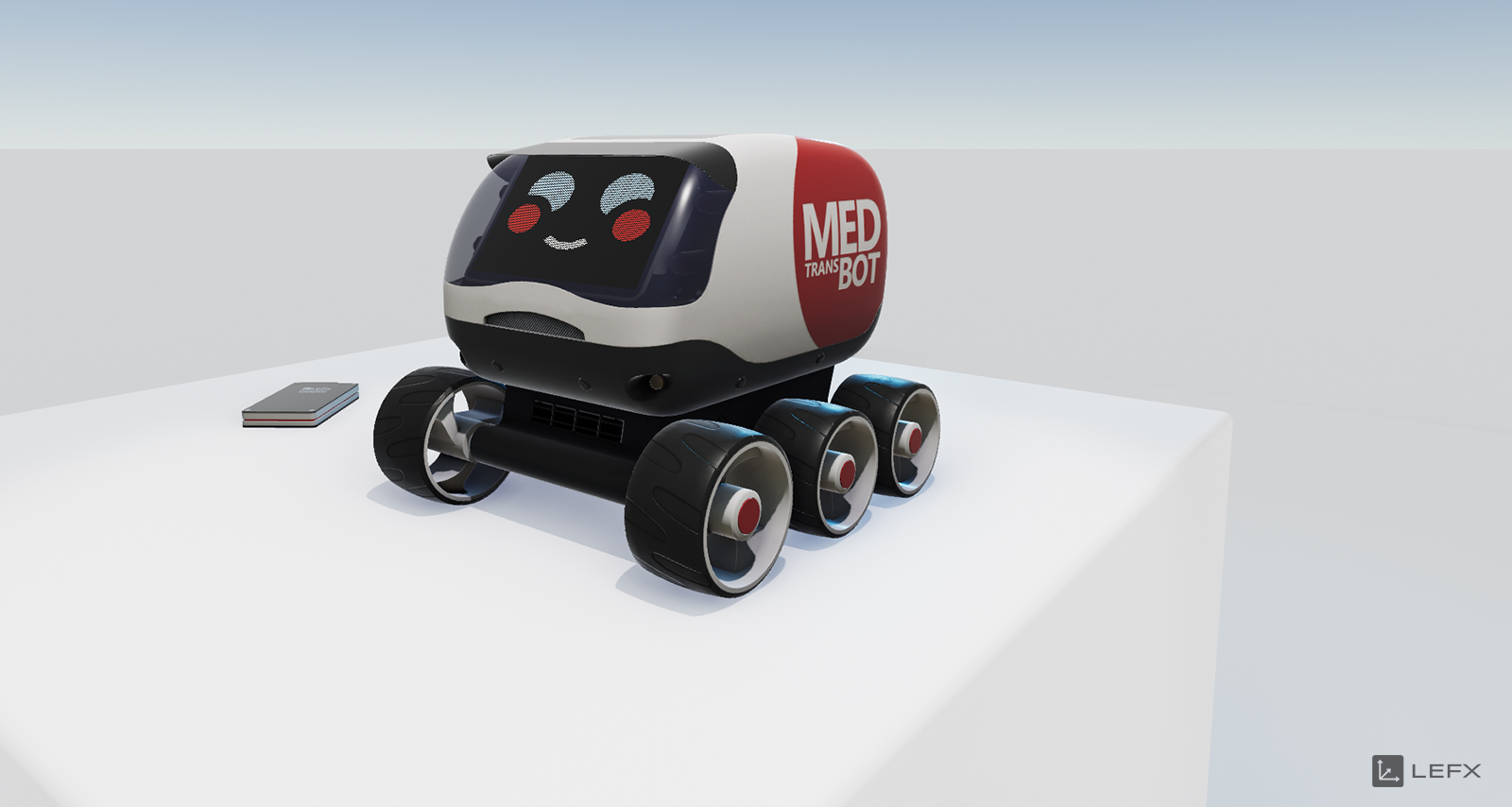
The focus of this story is our fictional MedBot, a small robot designed to transport medicines. We’ll be looking at its features, how it’s put together, and some examples of how it can make everyday life in a hospital easier.
But we’re not just doing this to show you our lovely pilot project; we’re doing it because this demo provides a good overview of the basic functions of our interactive 3D visualisation tools for products and processes.
Why don’t we showcase a “real” client project? Many projects are highly specialised and explaining them would go beyond the scope of this article; furthermore, much of our work is subject to non-disclosure agreements.
Bot in Action
Experience our MedBot in three exciting scenarios:
First, you’ll get to know our smart little runabout and all its features.
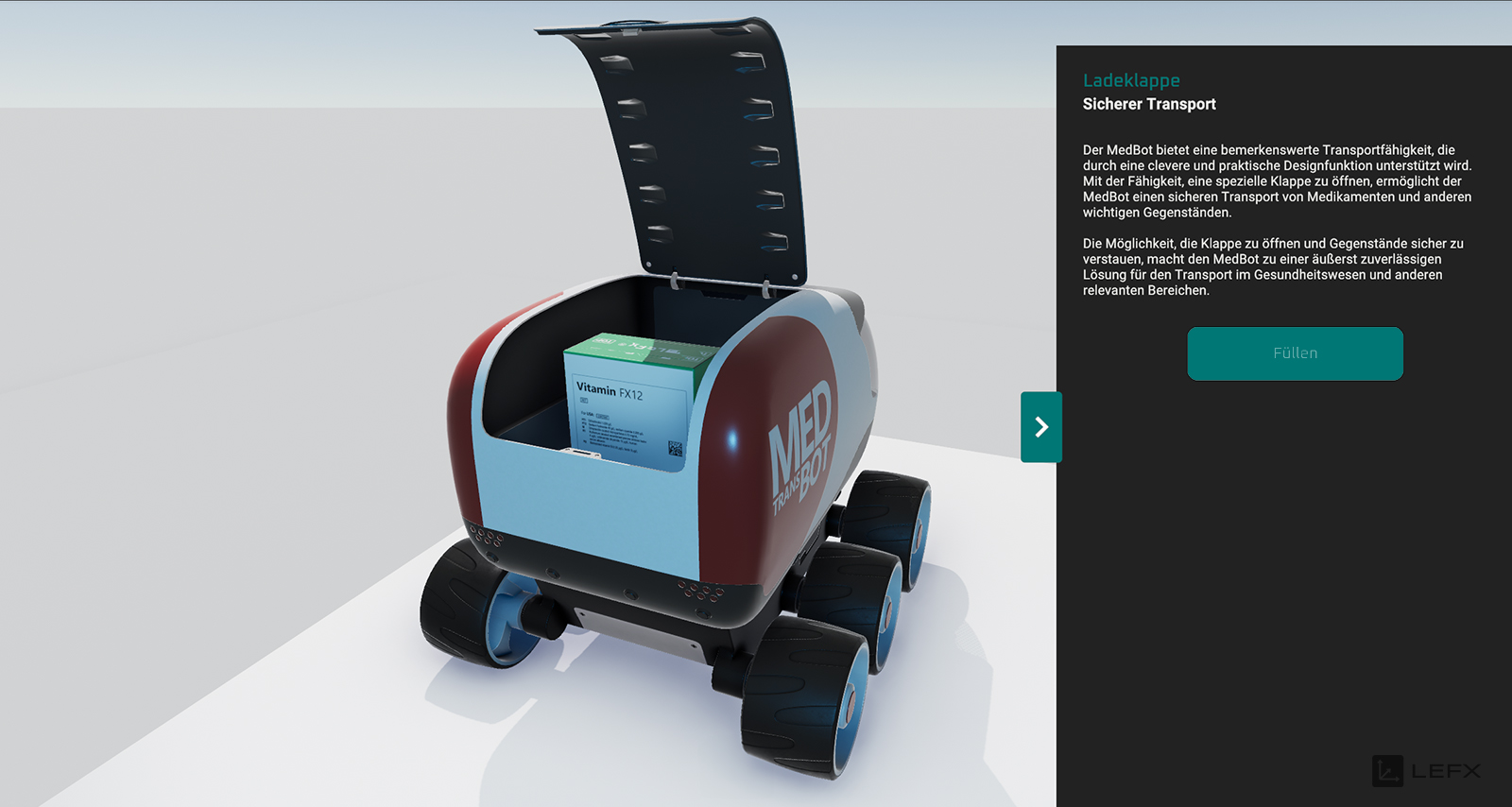
Using focal points, we showcase it in the best possible light for you. You can also interactively display detailed information, trigger animations or play videos.
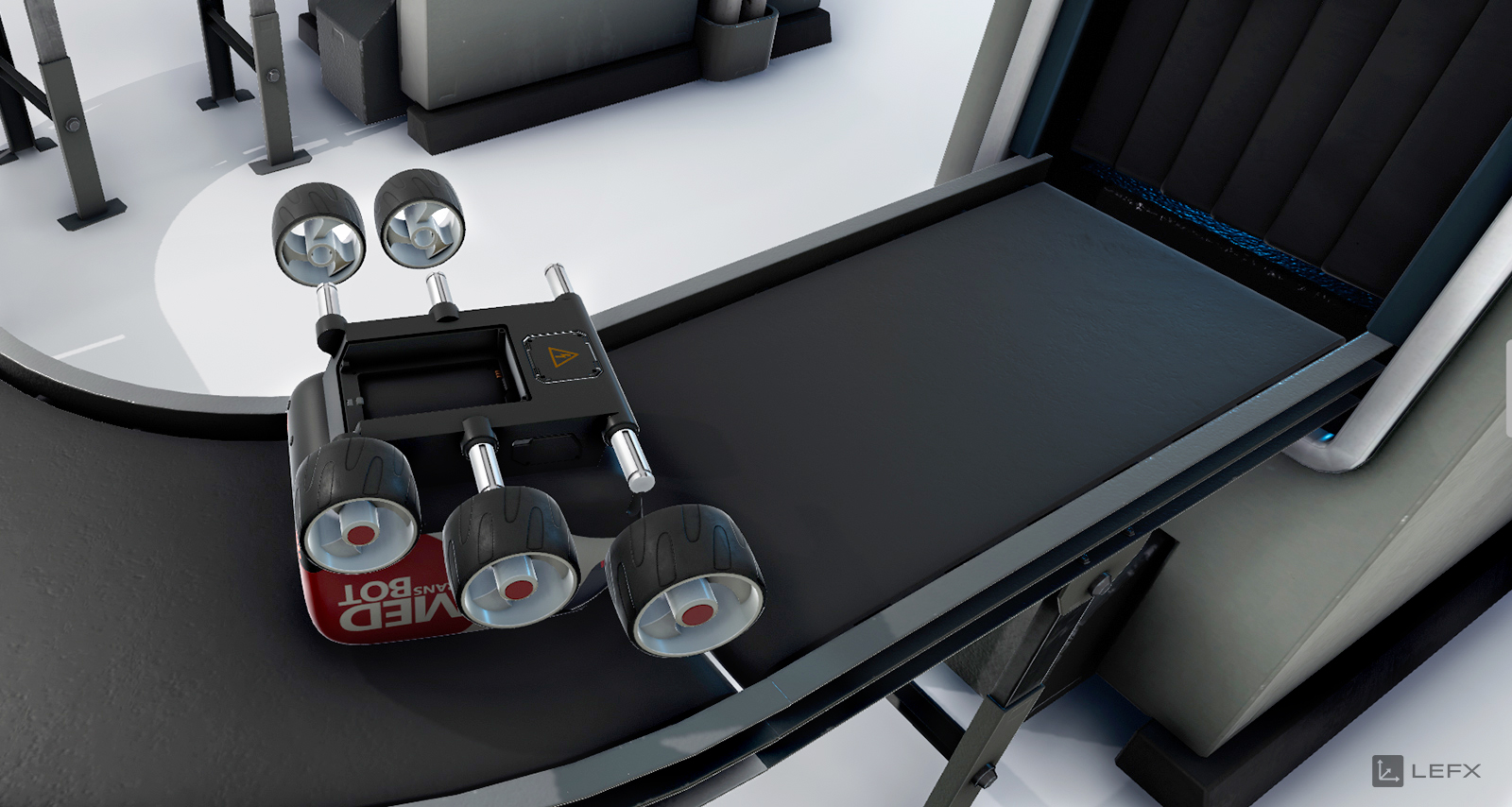
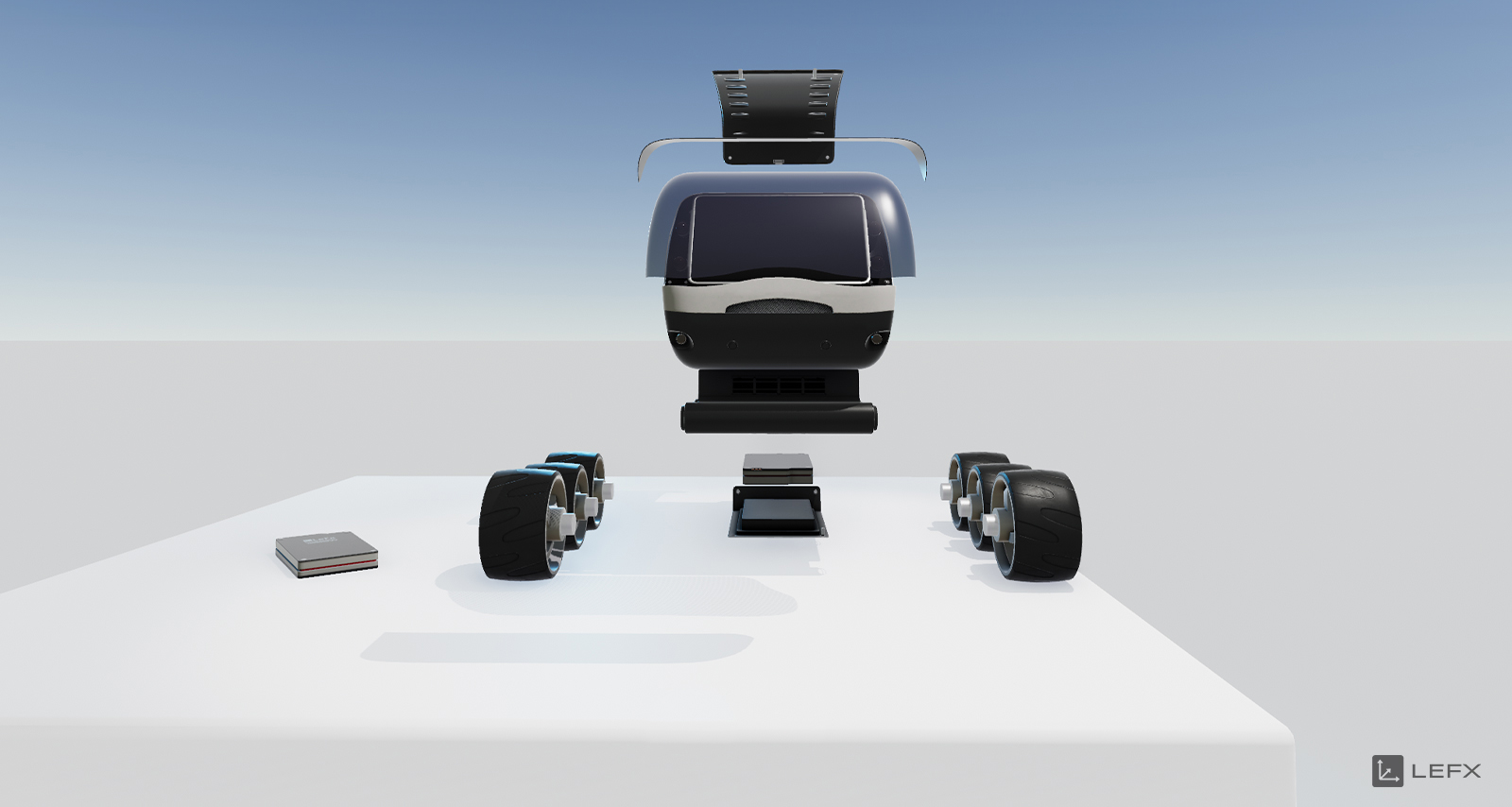
Next, we’ll take you right behind the scenes to see how our bot is made. That way, you can see what’s under the bonnet of this little chap and what steps are involved in putting him together.
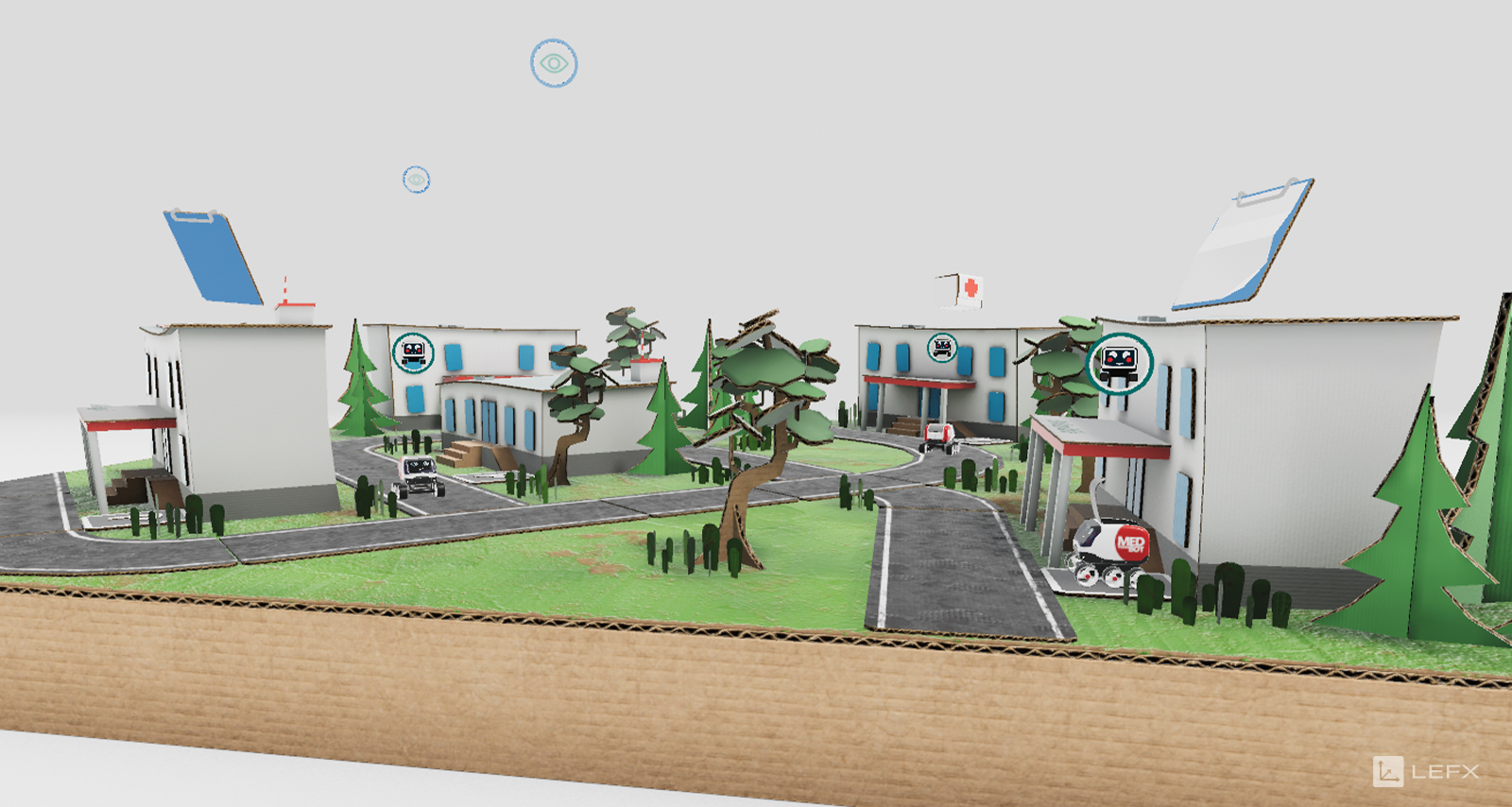
You can also see our bot in action in its natural environment. Our dynamic assistant makes the nursing staff’s day-to-day work easier by transporting medication, test results and blood samples across the hospital grounds for them at record speed.
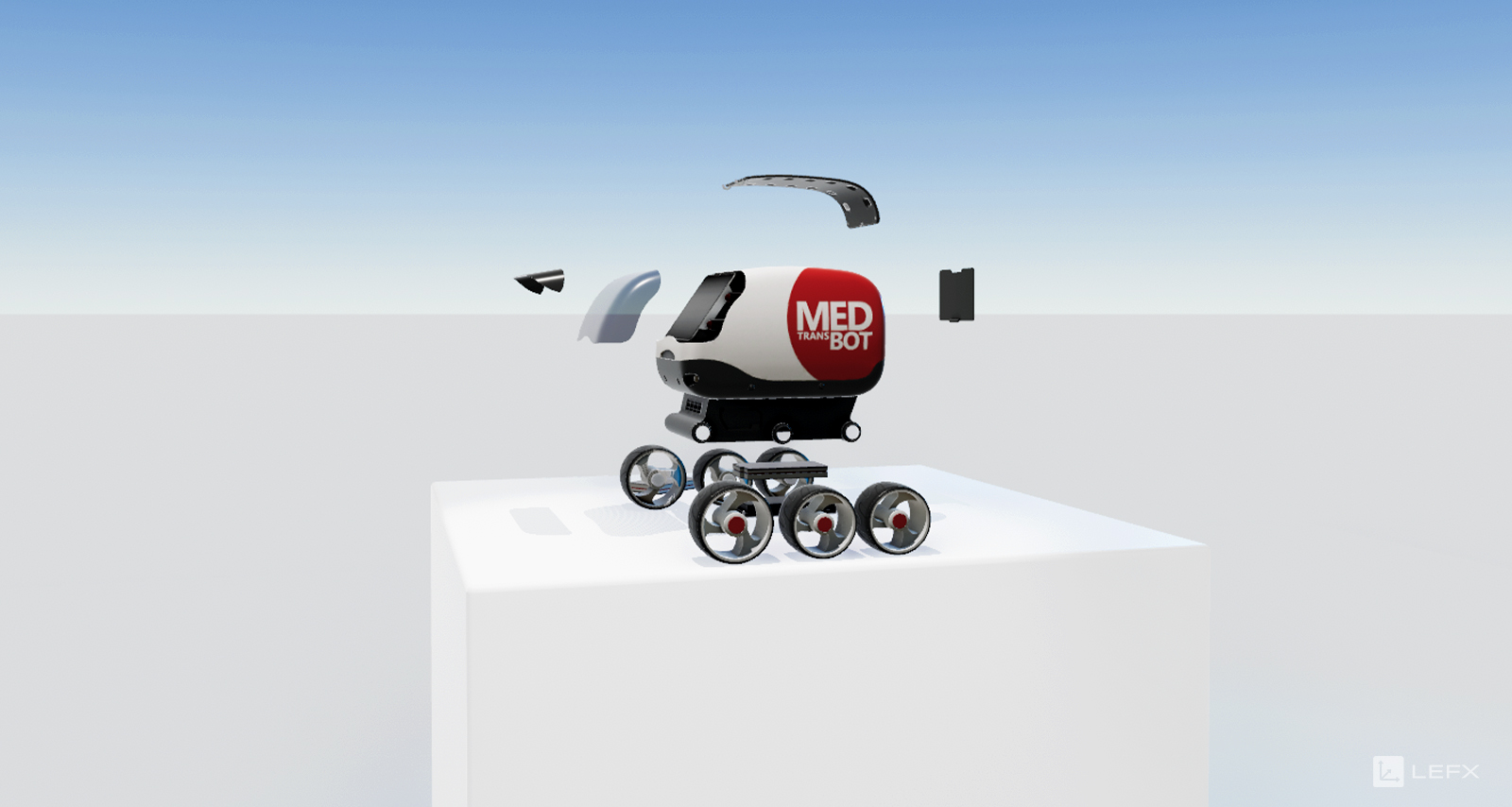
Behind the Bot
Behind this interactive feature lies a technology called WebGL (Web Graphics Library), and the best thing is that it’s compatible with any modern browser. This means we can bring the 3D visualisation of your product directly to your website, without any long loading times. Of course, this also works on mobile devices such as tablets or smartphones and doesn’t require a separate app. In this way, we lower the barrier to entry associated with installation and increase your reach.
Naturally, the 3D application can also be integrated into an app (Android or iOS) – and AR (augmented reality) features and offline operation are also possible. This presentation tool is therefore suitable for a wide range of use cases: as well as being implemented on websites and in apps, our customers use the interactive 3D visualisation primarily in showrooms, at trade fairs and events, but also in face-to-face customer meetings.
How the Bot Was Made
We prefer to use design data to create a 3D model that is as true to life as possible. Don’t have any design data? No problem! We can also produce a suitable 3D model based on photos, videos, 3D scans or similar.
Our MedBot really comes to life thanks to our framework, which is based on the Unity3D engine. This allows us to combine animations, camera movements and media content with ease and cost-effectively, enabling us to develop interactive experiences from 3D models.
Trailer
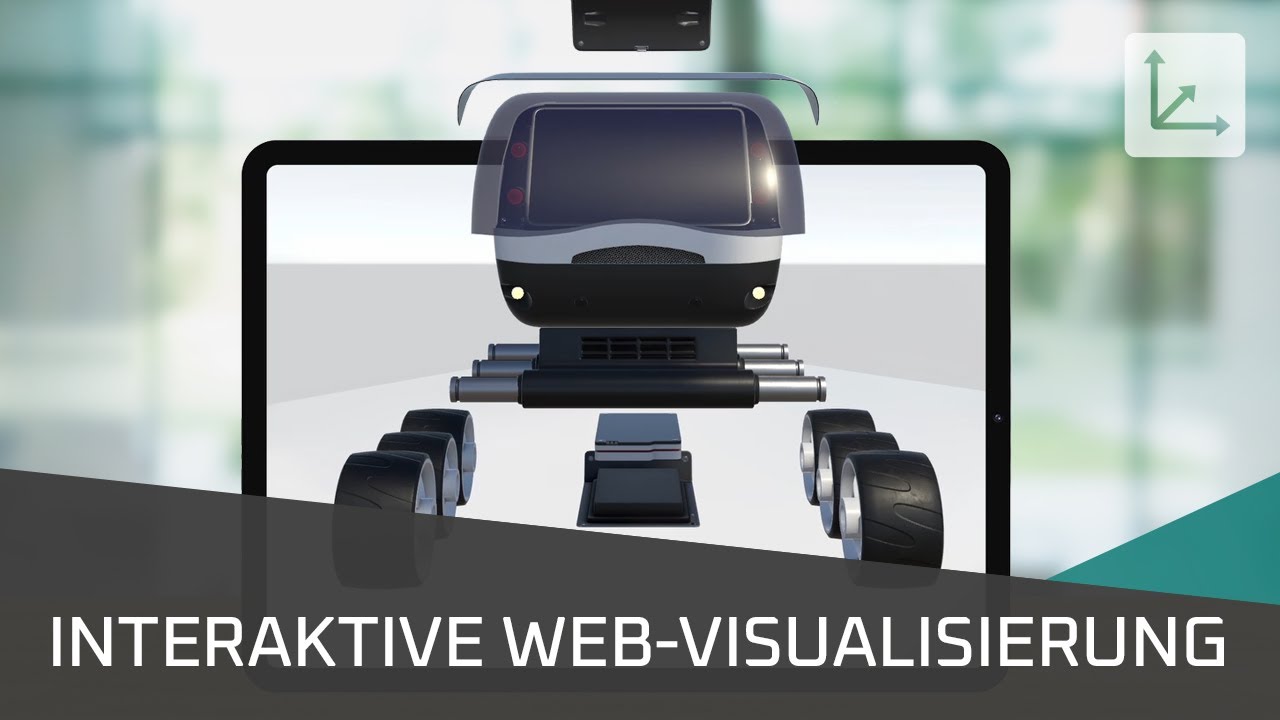
By loading the video, you agree to YouTube’s privacy policy.
Find out more
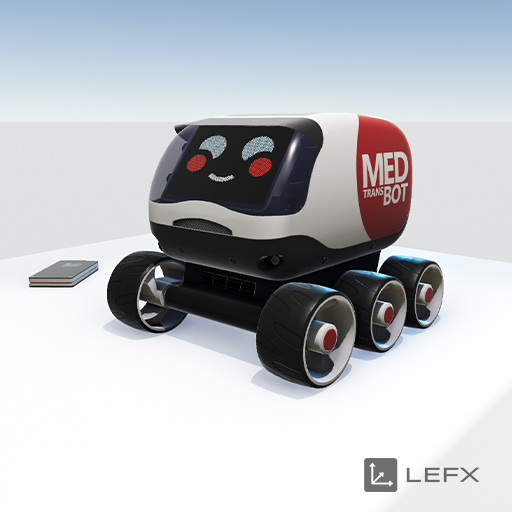
Best of Bot
With this engaging visualisation, we showcase our MedBot and its functions in three dimensions. Thanks to this interactive infotainment, we avoid lengthy explanatory texts and deliver an exceptional brand experience that creates digital experiences. In this way, we enable users to form an emotional connection with our product even in a virtual setting, whilst also boosting our website’s interaction rate and Google ranking.
Are you wondering what WebGL is and what we can do for you? Here’s a brief summary! Let your imagination run wild and we’ll help you bring your ideas to life! Sounds exciting? In our 👉 Blog We have taken another closer look at the topic of interactive visualisations using WebGL.

Do you like what you see?